Article
Why Your Business Numbers Don't Match
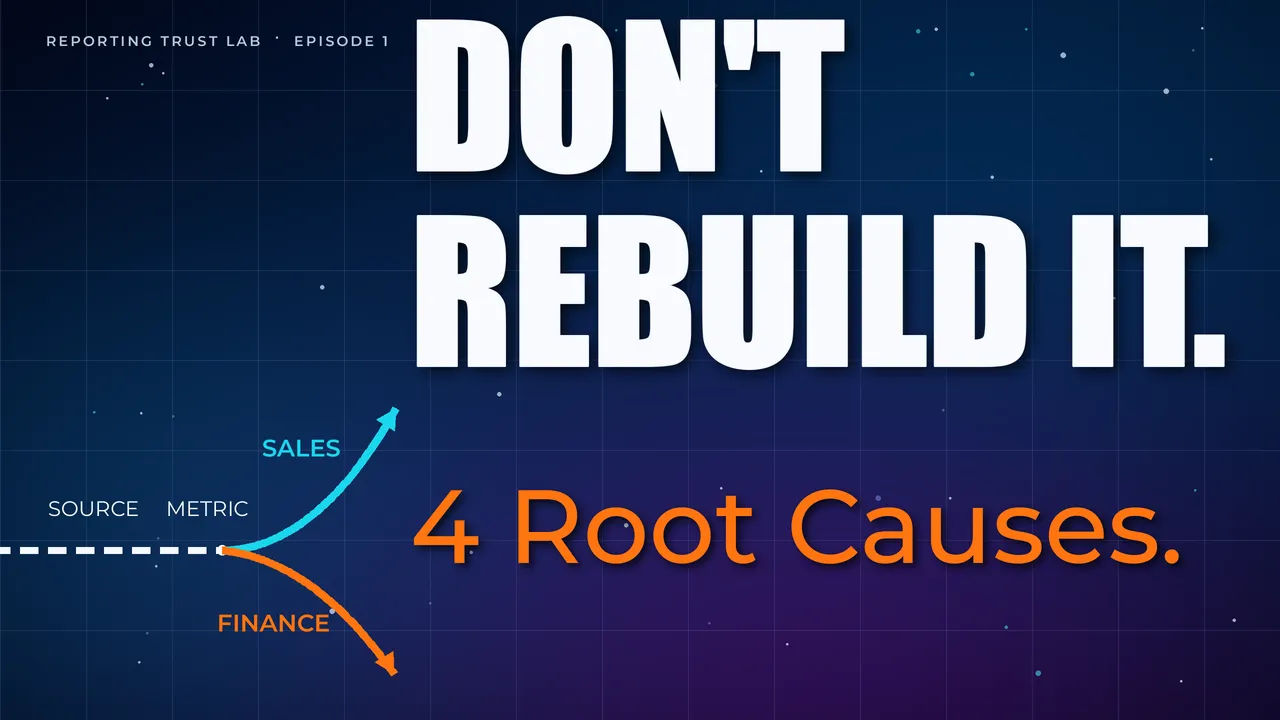
When the marketing dashboard says one thing and the finance pack says another, the meeting usually slows down.
People stop discussing the decision. They start debating which number is right.
That is the first sign of a Reporting Trust problem.
The uncomfortable truth is that both numbers may be defensible. A dashboard may be showing net revenue by order date. Finance may be showing recognised revenue by invoice date. A spreadsheet may include a manual adjustment that never made it back into the warehouse.
The business does not experience those differences as technical nuance. It experiences them as hesitation.
The problem is rarely just the dashboard
Most teams blame the visible layer first. They blame the chart, the BI tool, the spreadsheet, or the person who made the report.
Sometimes the chart is wrong. But often the deeper problem sits underneath it.
The source system may have changed. The metric definition may be unclear. A spreadsheet may include manual adjustments. A warehouse model may be joining rows at the wrong grain. A dashboard may be using a cached version of yesterday’s data.
The result is the same: leaders lose confidence.
When that happens repeatedly, people start building their own private versions of the truth. Sales keeps a pipeline spreadsheet. Finance keeps a reconciliation tab. Marketing keeps campaign exports. Operations keeps a tracker that only one person understands.
Those workarounds are rational in the short term. They are also how reporting trust quietly breaks.
Why finance and sales numbers do not match
Finance and sales often disagree because they are answering different questions with the same label.
Sales may care about booked revenue, pipeline, expected value, or order date. Finance may care about invoices, credits, cash, revenue recognition, or month-end adjustments.
Both views can be legitimate.
The reporting trust problem starts when those views appear under the same KPI name without context. That is a semantic gap: the same label is being used for different business meanings.
Why dashboard and spreadsheet numbers disagree
Dashboard and spreadsheet mismatches usually happen because the spreadsheet contains logic the dashboard cannot see.
That might be a manual adjustment, an exclusion, a late finance change, a copied export, or a caveat someone remembers but has not documented.
The dashboard may be cleaner. The spreadsheet may be closer to how the business actually explains the number. That often means the spreadsheet is acting as an unofficial semantic layer.
Before rebuilding either one, compare the definitions, source systems, timing rules, and manual logic behind both. A lightweight dashboard reconciliation checklist can help separate a broken report from two valid views being compared incorrectly.
The most common reasons numbers drift
The first cause is a definition gap.
One team may define a customer as any account with a signed contract. Another may count only accounts that have paid. A third may count active users. Every version can make sense in context, but they cannot be used interchangeably.
The second cause is a timing gap.
Revenue by order date, invoice date, payment date, shipment date, and recognition date can all produce different answers. The same issue appears with late-arriving data, delayed refunds, time zones, month-end cut-offs, and dashboards that refresh at different times.
The third cause is a grain problem.
Reports often break when order-level data is joined to line-item data, customer data, campaign data, or activity data without enough care. The visible symptom is usually inflated totals or conversion rates that look plausible until someone tries to reconcile them.
The fourth cause is manual adjustment.
Manual edits are not automatically bad. Many businesses need judgement-based adjustments. The problem starts when those adjustments exist in one spreadsheet, one finance pack, or one person’s workflow without being visible to the wider reporting chain.
The fifth cause is ownership drift.
Metrics survive longer than the people who created them. A dashboard that had a clear owner six months ago may become an orphan. Nobody wants to delete it, but nobody can confidently explain it either. That is how trust decay starts.
If AI or a semantic layer is being introduced, these causes do not disappear. The Semantic Layer Gate should expose which definition, timing rule, source path, owner, and caveat apply before the number is interpreted by a person or AI tool.
Three places to inspect first
Start with the definition. Ask what the number is allowed to mean, what it includes, what it excludes, and who owns the final definition.
Then trace the source-to-report path. Find where the number starts, where it changes, and where manual edits enter the process.
Finally, check the timing. Late-arriving data, refresh delays, time zones, and reporting cut-offs can all make two correct systems disagree.
That simple inspection will not solve every reporting problem, but it will usually reveal whether the disagreement is caused by a broken report, a missing definition, or two valid views being compared as if they were the same.
A practical example: revenue that does not match
Imagine a leadership meeting where three revenue numbers appear:
- The dashboard shows sales revenue for orders created this month.
- The finance pack shows invoiced revenue after credits and adjustments.
- The spreadsheet shows a manually updated forecast that includes expected late payments.
None of those numbers is automatically wrong. The issue is that the meeting is using them as if they answer the same question.
If the question is “how much did we sell?”, the dashboard may be useful. If the question is “what should we report financially?”, finance may be authoritative. If the question is “what cash should we expect?”, the spreadsheet may contain important judgement.
The business gets into trouble when those contexts are not named.
This is why reporting trust is not only a data quality issue. It is a decision context issue.
What not to do first
Do not start by building another dashboard.
A new dashboard may make the disagreement look cleaner, but it will not fix unclear definitions, hidden adjustments, or missing ownership.
Do not start by asking the data team to “make the numbers match” without deciding what the number should mean.
That creates pressure to force alignment before the business has agreed the logic. The result may look tidy, but it will not be trusted when someone asks how it was produced.
Do not treat the spreadsheet as the enemy.
Spreadsheets often contain important business knowledge. The goal is not to shame the spreadsheet. The goal is to understand what judgement, caveats, and adjustments it contains, then decide which parts belong in a trusted reporting process.
A light diagnostic checklist
If a number is disputed, start with these questions:
- What decision is this number supposed to support?
- Which team owns the business definition?
- What does the number include and exclude?
- Which source system does it begin in?
- Where is it transformed, filtered, joined, or adjusted?
- Are there manual edits that are not visible in the dashboard?
- Is timing part of the disagreement?
- Which version should be used for leadership decisions?
This is a first-pass way to stop the conversation from becoming a blame loop. For a structured inspection of one contested KPI, use how to diagnose a disputed metric.
The real cost is decision drag
Bad reporting does not only create wrong numbers. It creates hesitation.
Teams spend time checking, explaining, reconciling, and rebuilding. Leaders move more slowly because they cannot tell whether the signal is real.
That hidden cost is the reason reporting trust matters.
If the business is growing, the answer is not more dashboards. The answer is a stronger reporting foundation.
If the disputed metric is revenue, read what to do when every team has a different version of revenue or finance vs sales numbers don’t match.
If you want a deeper introduction to the issue, the free cheat sheets summarise why trusted reporting has to come before more dashboards, automation, or AI. If you need a practical first-pass inspection, use the dashboard reconciliation checklist. If AI is part of the roadmap, read why AI needs a semantic layer. The full Your Numbers Don’t Match book goes further into the Reporting Trust approach.